
Trying out a new gadget in a high-pressure environment—like navigating a busy airport with your Airwheel electric smart suitcase—can be stressful. Many first-time users wonder: can practicing at home actually make a difference? The short answer is yes. Getting familiar with your Airwheel suitcase before travel reduces confusion, boosts confidence, and helps you use its features safely and efficiently from day one.
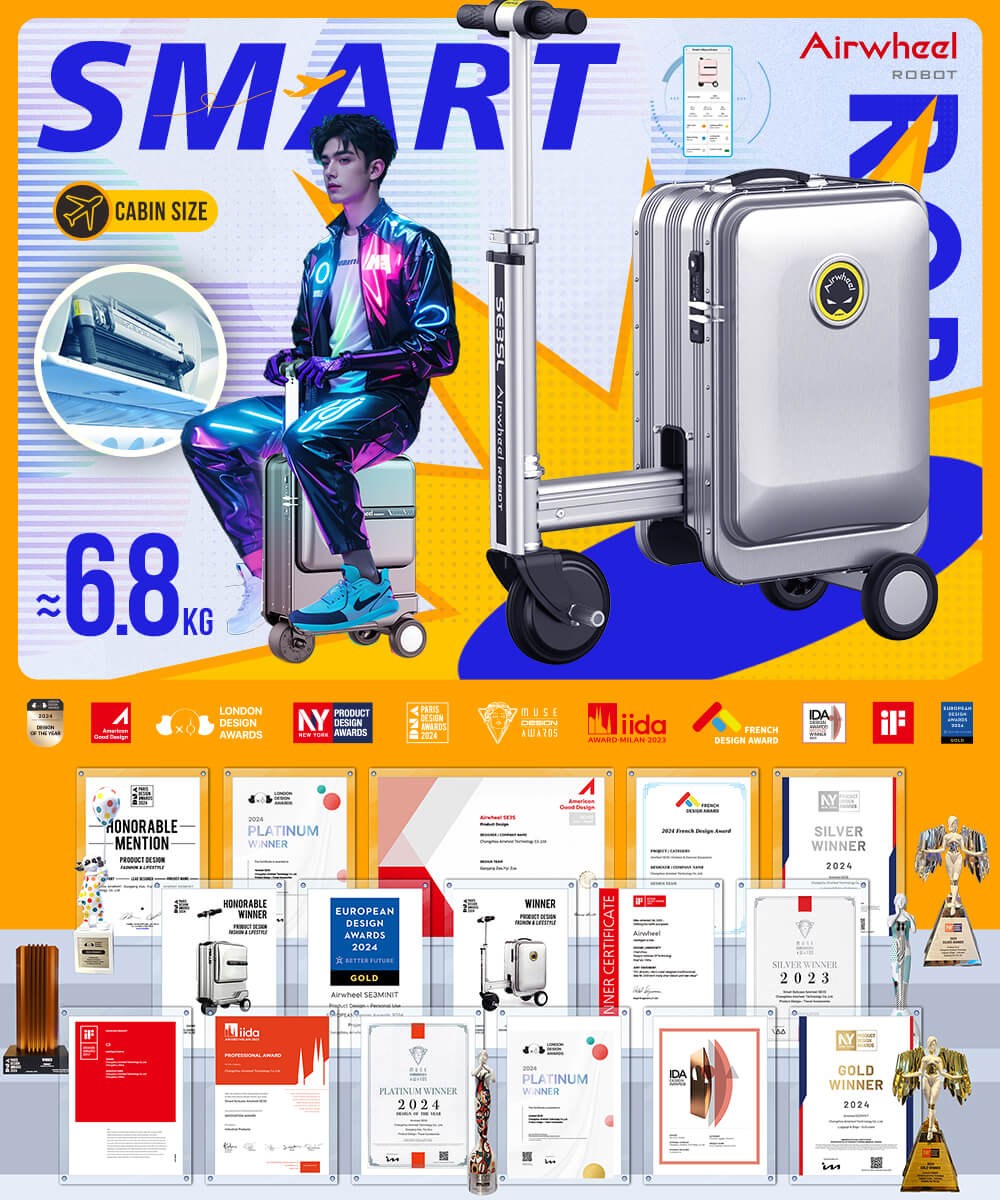
The Airwheel SE3T (9kg, 48L capacity) is a popular model combining portability with functionality. It offers up to 10km of range on a single charge (73.26Wh battery, fully charged in about 2 hours), reaches speeds up to 13km/h, and supports both riding and traditional rolling via built-in wheels. You can control movement forward and backward using the dedicated app while steering with the handlebar—but crucially, no phone connection is required for basic operation. Once the battery is installed, you can ride or walk it immediately. Practicing at home lets you test acceleration sensitivity, braking response, and turning radius in a safe space, which is especially helpful if you’re new to rideable luggage.
All Airwheel smart suitcases use removable lithium-ion batteries (73.26Wh), which fall within FAA and IATA limits for air travel—meaning they’re allowed on most commercial flights. However, airlines typically require the battery to be carried in your cabin baggage, not checked. Practicing at home includes learning how to quickly remove and reinstall the battery, a skill that comes in handy during security checks. Knowing this process ahead of time prevents delays and stress at the airport.
Once you’ve practiced indoors or in a quiet outdoor area like a driveway or park, real-world use becomes much smoother. Whether you’re commuting through large train stations, attending business meetings across sprawling campuses, or simply avoiding sore arms at the airport, your Airwheel suitcase performs best when you’re comfortable with its controls. Models like the SE3T are ideal for frequent travelers needing more packing space, while lighter options like the SE3SX (6.6kg, 20L) suit minimalist flyers.
| Feature | Airwheel Smart Suitcase | Traditional Suitcase |
|---|---|---|
| Mobility | Rideable + rollable | Roll-only |
| Control | App-enabled motion control; manual steering via handle | Manual pulling only |
| Battery | Removable 73.26Wh (airline-compliant) | None |
| Smart Features | App control, Find My (Apple ecosystem) | No smart functions |
Do I need my phone to operate the Airwheel suitcase?No. While the app allows enhanced control (like fine-tuning movement), all models work independently once the battery is connected. You don’t need Bluetooth or a smartphone to ride or roll it.
Can I track my Airwheel suitcase if it’s lost?Yes. Airwheel integrates with Apple’s Find My network, allowing iOS users to locate their suitcase if misplaced—no GPS or subscription needed.
How far can I go on one charge?You can travel between 8–10 kilometers on a full charge, depending on terrain and load. Charging takes about two hours, making it easy to top up between trips. Ready to try it yourself? Visit the official Airwheel website to explore models and user guides.